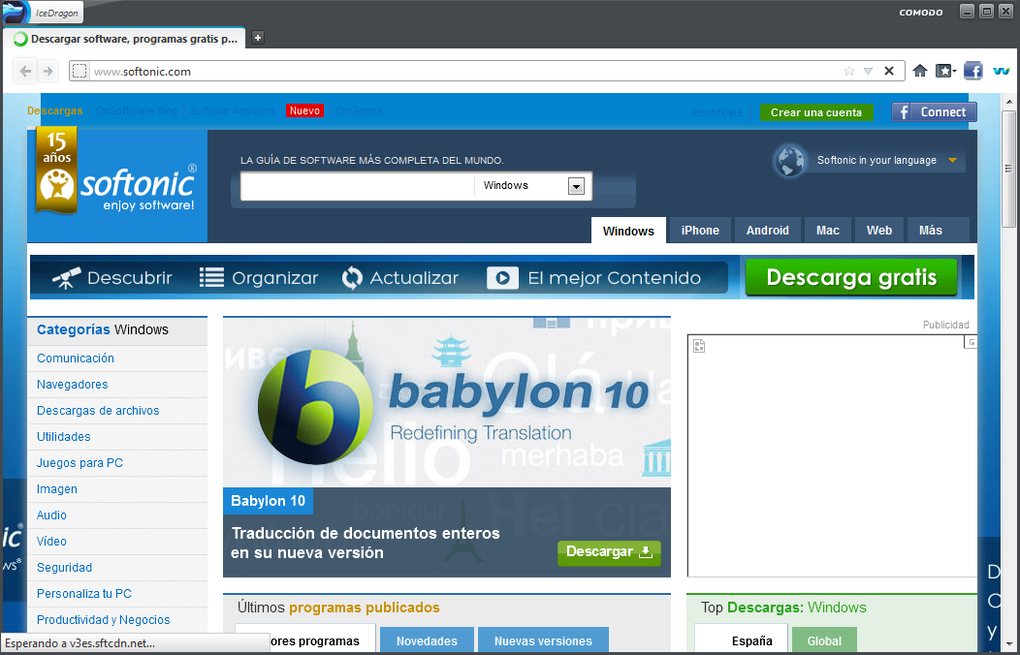
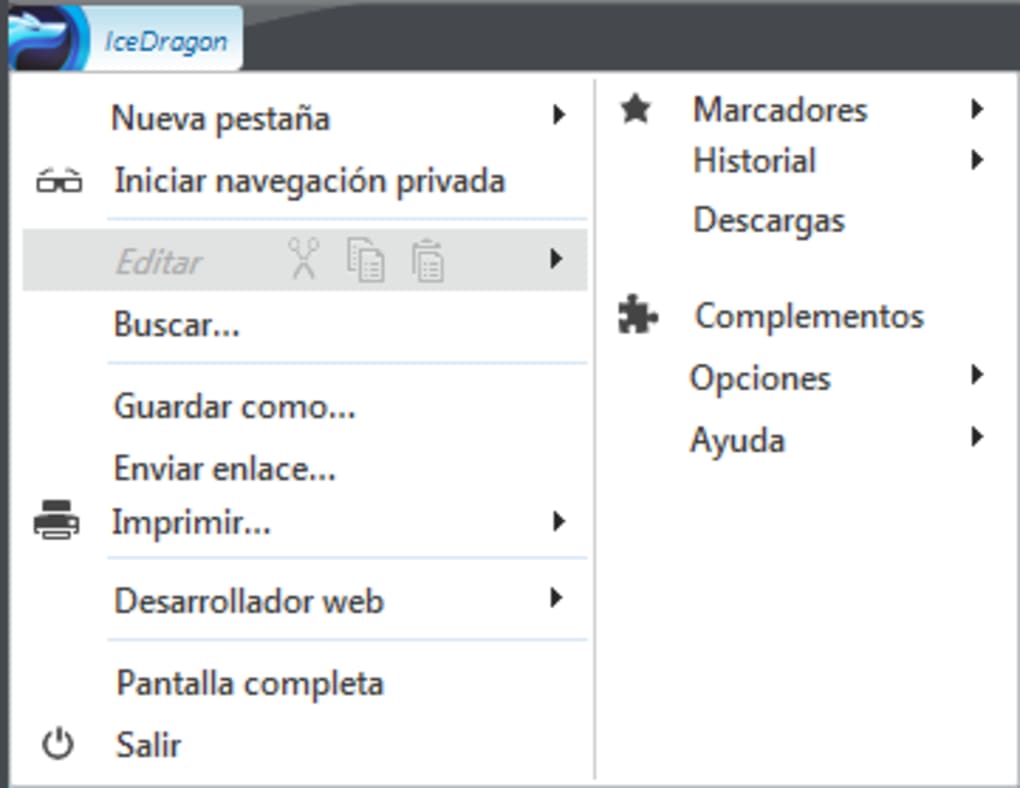

Secure and fast browsing with Comodo IceDragon The Comodo IceDragon Internet Browser is full of features and offers a quick and secure online experience. The easy-to-use browser offers a high level of built-in security and privacy without compromising speed and performance. At the same time, it leverages the best of Chrome and Firefox with a few improvements.
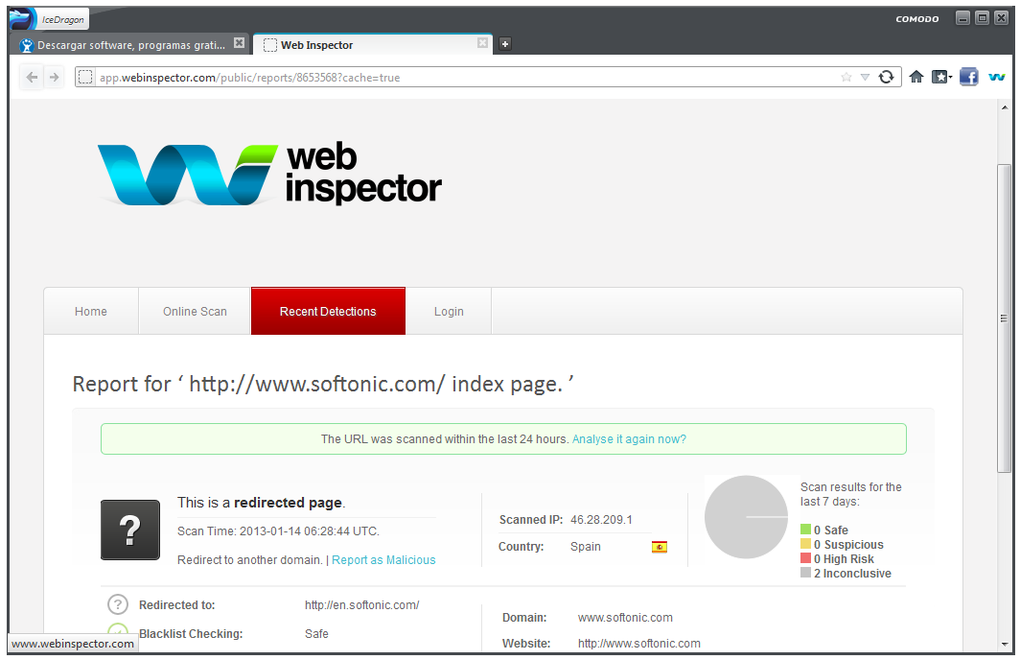
IceDragon?s features A Chrome-based product, the Comodo IceDragon Internet Browser builds on the open-source core that powers Firefox. The browser is also fully compatible with Firefox plug-ins and builds on Firefox?s privacy and performance, including enhanced social media integration and an integrated secure DNS service that means webpages load faster. Other features include SiteInspector, which scans sites for malware using the browser.
The browser also offers significant personalisation options and access to an online marketplace to download add-ons, extensions and themes. There is also no tracking of online activity unlike many popular browsers such as Chrome and Firefox. To install the browser, you can set your internet connection to use Comodo?s free and secure DNS service or use your own settings.
If you download and install Comodo Internet Security (a free antivirus software), you can use the browser?s virtualised mode that isolates it from the host system. Fast and secure web browsing The Comodo IceDragon Internet Browser offers an excellent browsing experience similar to what you would find with more popular browsers like Firefox, Safari and Chrome. At the same time, it provides enhanced privacy and security.
The secure browser is a stand-out among Chrome and Firefox clones, particularly with respect to its speed in downloading pages and establishing secure connections. More about Comodo IceDragon







